
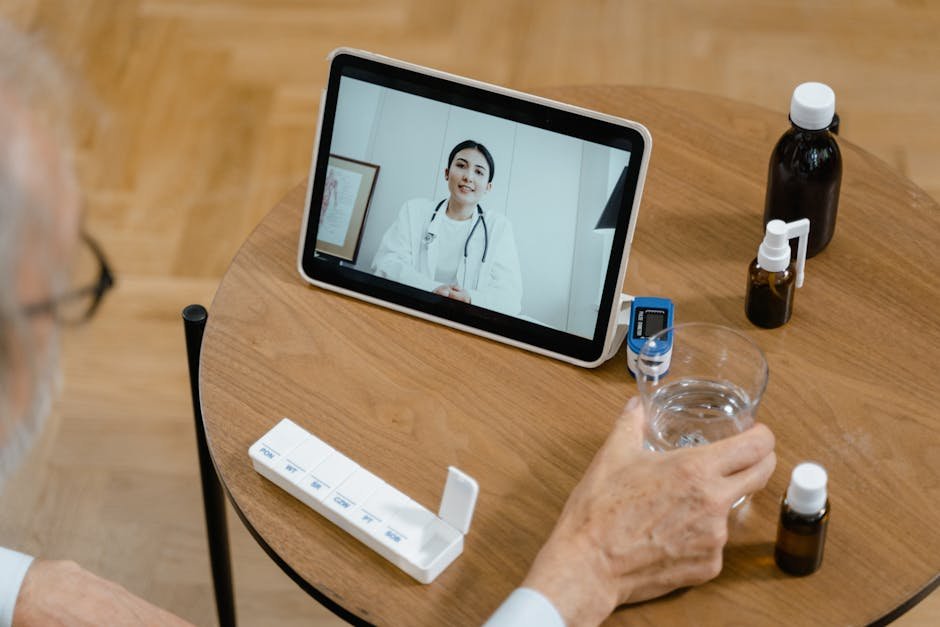
Master Your Medical Practice with the Right WordPress Appointment Plugin in 2026
Managing patient schedules often feels like a full-time job on its own, especially when you are trying to provide actual care. If your current system involves endless email threads or messy paper logs, you are likely losing more than just time. Let us look at how you can pick a booking plugin that actually works for your medical practice.
Selecting the Right Booking Plugin
Key Features to Look For
When you evaluate a plugin, you must look beyond basic calendar views. You need a tool that handles the specific headaches of a medical office, like HIPAA compliance and patient intake forms.
- HIPAA compliance tools to keep sensitive health data private.
- Automatic reminders sent via SMS or email to reduce no-shows.
- Seamless calendar syncing with Google or Outlook to prevent double bookings.
- Custom intake forms that capture patient data before they walk in the door.
- Staff management features to assign appointments to specific doctors or nurses.
Top Tools for Medical Booking
Amelia
Best for Growing Medical Practices
- Handles complex service catalogs and multiple staff members with ease.
- Integrates directly with payment gateways if you charge for consultations.
- Provides a clean dashboard where you see your daily load at a glance.
BookingPress
Best for Staff Scheduling
- Allows you to manage individual staff schedules and break times.
- Includes a robust reporting module so you can track office productivity.
- Offers extensive custom fields for gathering patient medical histories.
Why These Tools Stand Out
I have tested various systems, and these platforms make the scheduling process feel almost invisible. They allow you to stop playing phone tag and focus on what matters most—your patients. You deserve a system that grows with your practice rather than holding you back.
Choosing the right tool is a big step, but you do not need to overthink it. Focus on the features that save your staff time every single day. Once you get these systems running, your office will feel much lighter and more organized.

